How to import: Now playing style
Use this page when you download a now playing style and want to import it into Symfonium.
What you download
The downloaded JSON contains the now playing layout and style data only.
Import steps
- Download the style from its detail page.
- Open Symfonium.
- Open Settings.
- Open Interface settings.
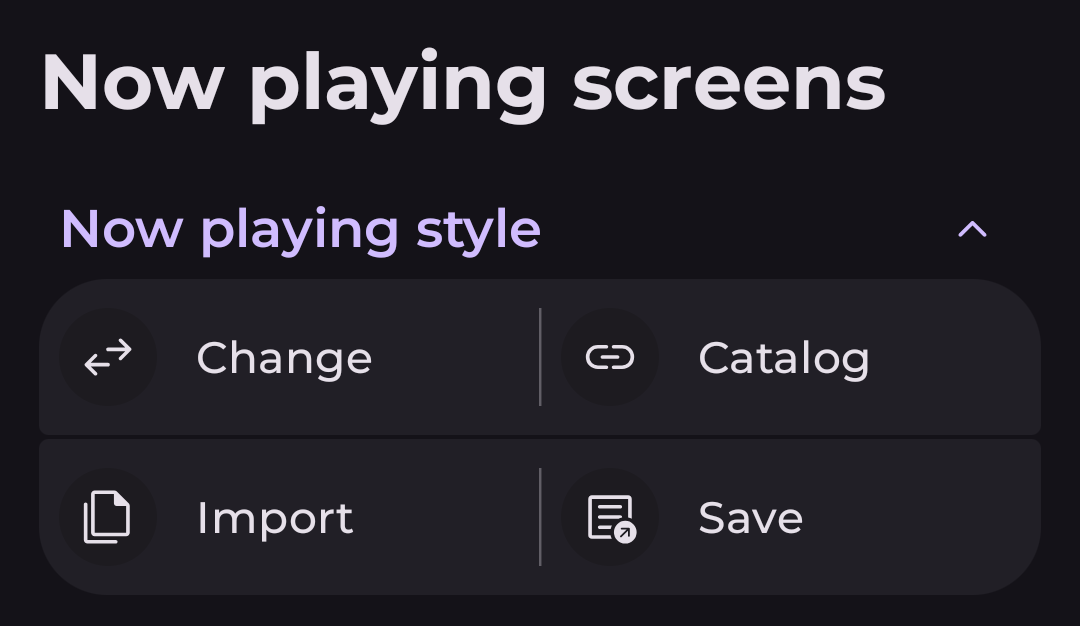
- Open Now playing screens.
- In the Now playing style section, tap Import and choose the downloaded JSON file.
If the style does not appear immediately, reopen the now playing style selector after the import completes.