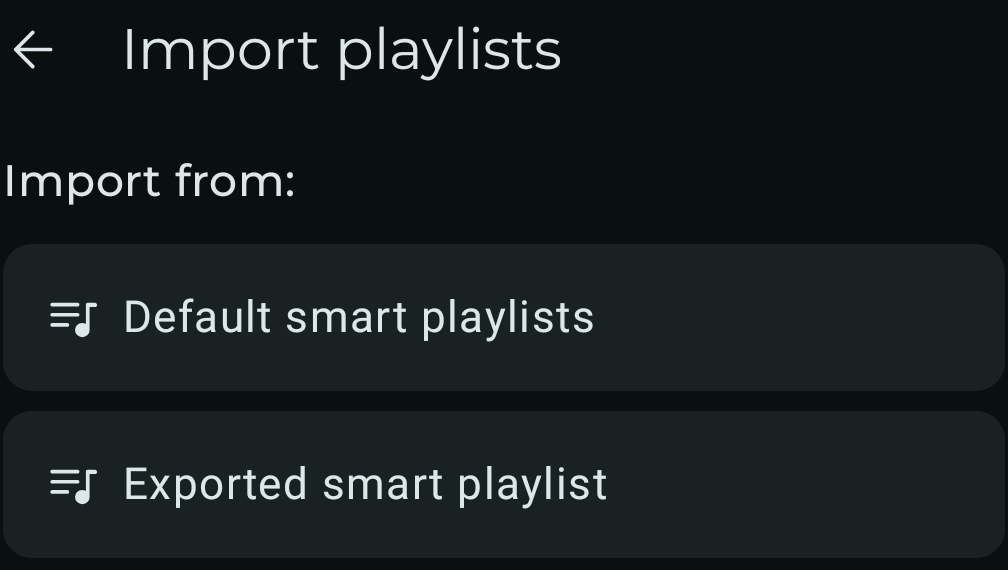
How to import: Smart playlists
Use this page when you download a smart playlist.
What you download
The downloaded .symspl file contains the smart playlist export.
Import steps
- Download the smart playlist from its detail page.
- Open Symfonium.
- Open Playlists.
- Tap Import.
- Choose Exported smart playlist and select the downloaded
.symsplfile.